Reports
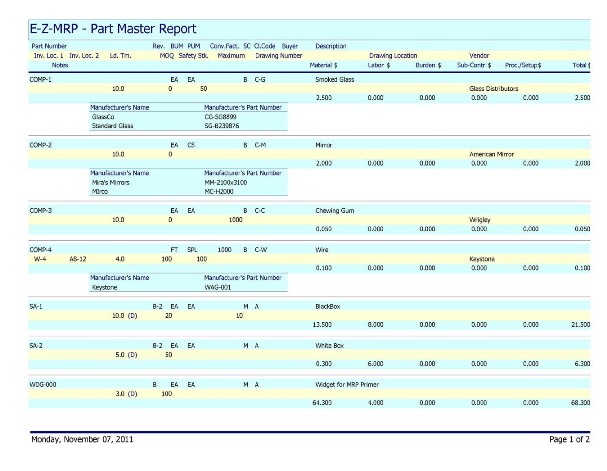
Part Master
Displays every field in the
Part Master record and, optionally, the
Manufacturer’s Cross References for the parts.
Bill of Materials
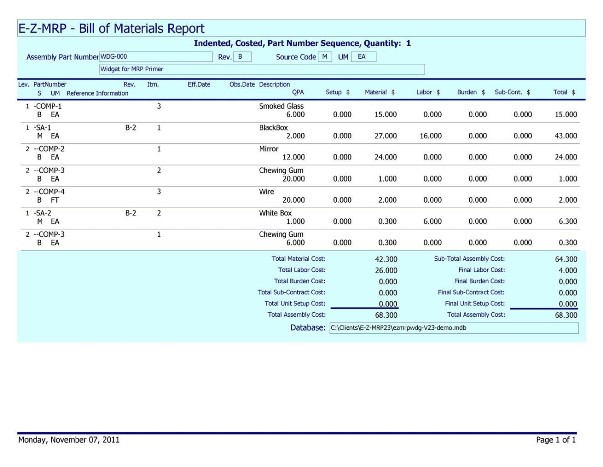
Shown is the full indented,
costed bill of materials. The number of hyphens or asterisks to the left of the part number tells you the
indent level of that part in this bill of materials (the asterisks indicate that a part that has been changed since the last cost roll-up).
The cost block on the right shows the sub-total cost for the assembly based on all the components, plus the final cost to assemble the end item. The cost block on the left shows the total costs in the indented bill sorted by account.
The indented report shows up to ten levels of indenting, including
phantom or
blow-through assemblies.
The report also, at your option, displays the current status of the bill based upon the
effective and obsolete dates you have optionally included on the components.
Also available are
single level,
costed and
uncosted,
summary and
comparative bill formats. The
comparative bill format compares and prints the differences between two bills of material.
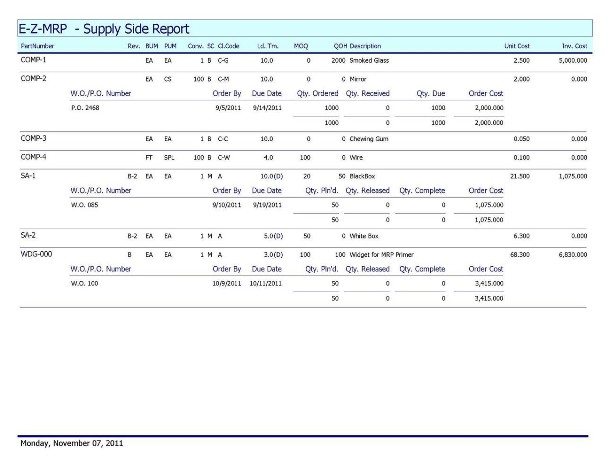
Supply Side
- Shows on-hand quantities and costs.
- Displays quantities ordered or planned, quantities received or released, and quantities due or complete for each part.
- Displays your input due date and a calculated order date for each P.O. or work order.
- Offers powerful sorting and data filtering features so you can tailor the contents of the report to just the data of interest.
Demand Side
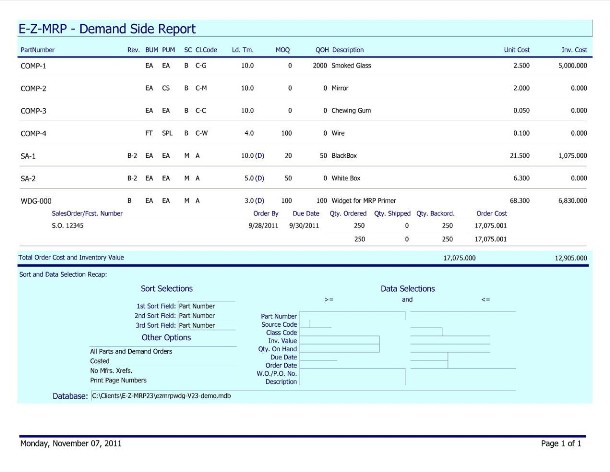
- Displays all demands against a part.
- Shows both due date and calculated order date based on lead-time.
- Calculates and displays total “on-order” costs.
Make
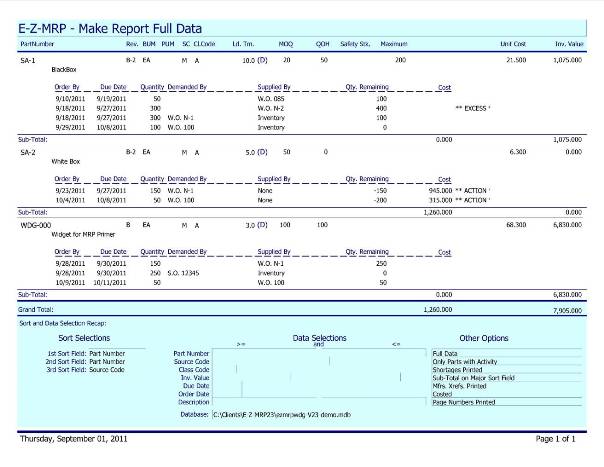
- Full – shows every issue and receipt, actual and projected based on all of the demands in the system, whether action is required or not.
- Net Only – shows only items requiring action.
- Order Date – the Net Only data in Order Date Sequence.
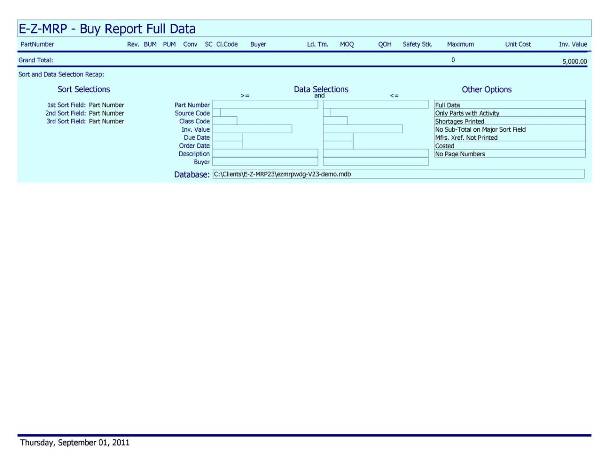
Buy
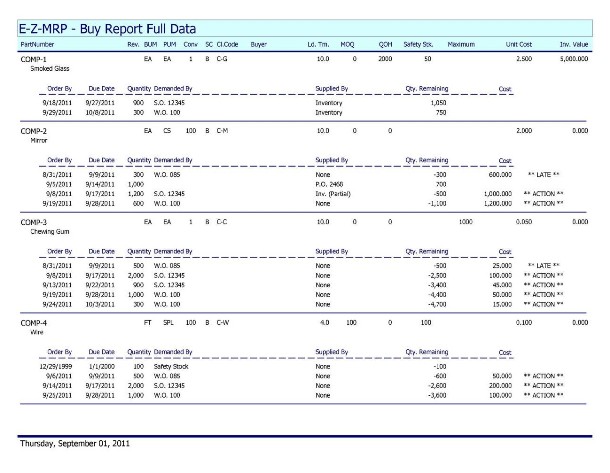
- Full – shows every issue and receipt, actual and projected based on all of the demands in the system, whether action is required or not.
- Net Only – shows only items requiring action.
- Order Date – the Net Only data in Order Date Sequence.
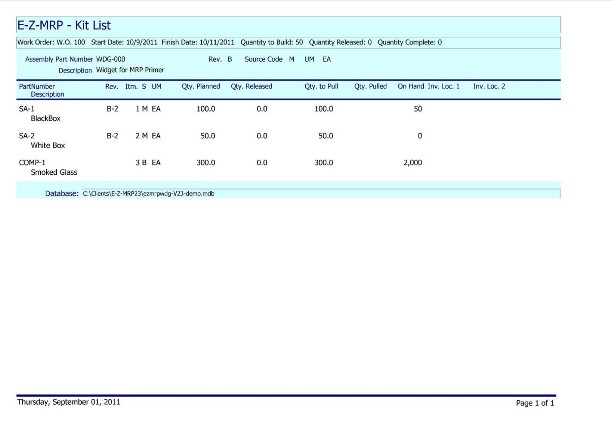
Kit List
A convenient report to be used by
inventory control to pull parts from inventory, in
preparation for
releasing a
work order.
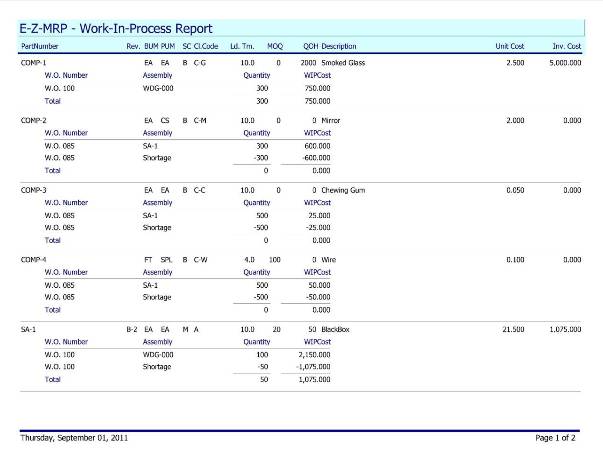
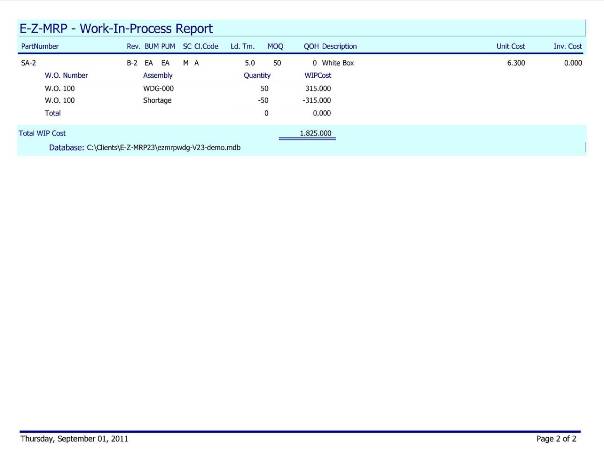
Work-In-Process
Displays the contents and value of every
inventory item in a
released work order. Shows
shortages and nets them out against
WIP value. Sort by
Part Number or by
Work Order.
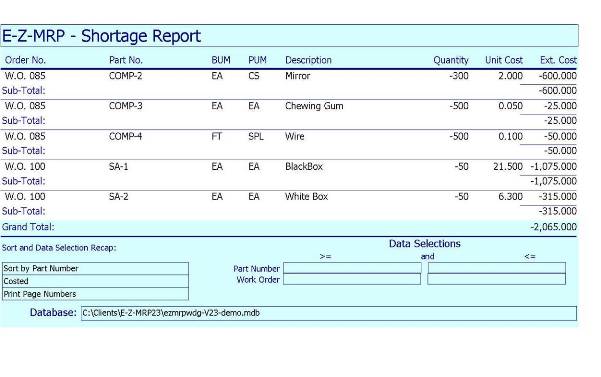
Shortages
Shows all current
shortages in the system. Display by
Part Number or by
Work Order.
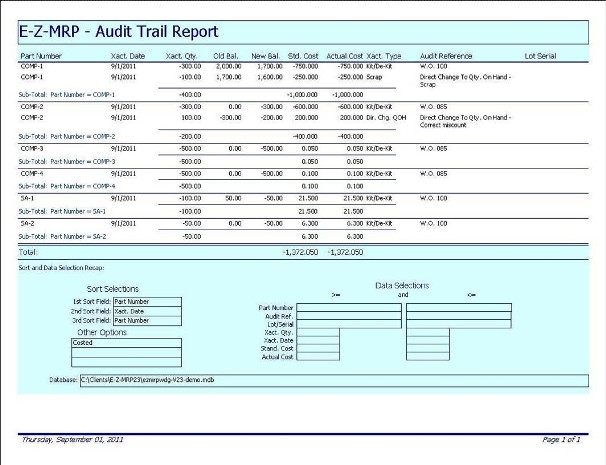
Audit Trail
Recap of every action that causes a change in
inventory levels.
Flexible data selections allow you to tailor the contents of this report to the most useful data.
Physical Inventory
- Tag Edit – listing by tag number of all the data in the Physical Inventory file. Alerts you to missing and duplicate tags.
- Exception Report – a list of all inventory items which have quantity on hand but no tag in the Physical Inventory file indicating an item which was missed in the count.
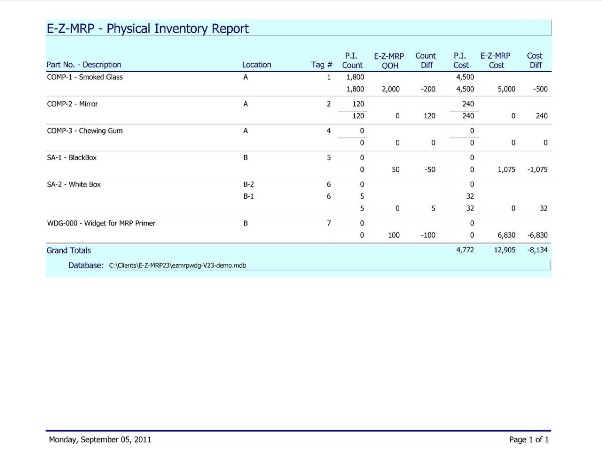
- Full Physical Inventory Report – compares physical and perpetual on-hand count in the system and details count and cost differences. Totals let you know the net write-up or write-down of inventory.